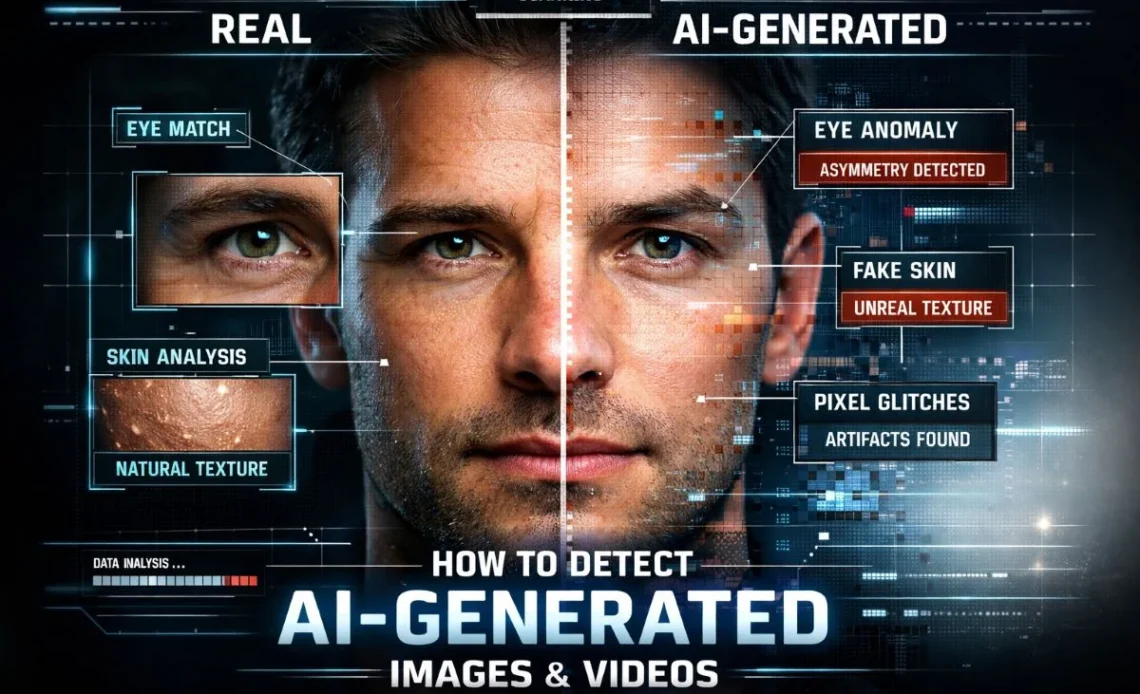
No single visual clue or detector can prove that an image or video is AI-generated. The reliable approach in 2026 is a layered verification process: trace the source, search for earlier versions, check available provenance, inspect the file and scene, then use detection tools only as supporting evidence.
If the content could affect someone’s safety, reputation, money or legal position, do not share it while verification is incomplete.
The Fastest Reliable Verification Workflow
| Step | What to check | What it can tell you |
|---|---|---|
| 1. Preserve the source | Original post, account, URL, upload time and file | Whether the claim has a traceable origin |
| 2. Search for earlier versions | Google Lens, About this image and video keyframes | Whether old or unrelated media was relabeled |
| 3. Check provenance | Content Credentials, C2PA or platform labels | How a file was created or edited when data is present |
| 4. Inspect the content | Continuity, reflections, text, motion, audio and metadata | Clues that justify closer investigation |
| 5. Corroborate | Official sources, credible reporting and cautious detector use | Whether independent evidence supports the claim |
1. Preserve the Original Source
Start with context, not pixels. Save the post URL, account name, caption and visible upload time. If you received a file directly, keep the original instead of working from a screenshot or a copy sent through several messaging apps.
Ask basic questions:
- Who published it first?
- Does that person or organization have direct access to the event?
- Is the same claim present on the organization’s verified website or account?
- Has the caption changed as the media spread?
A genuine photo can still support a false story when it is cropped, relabeled or taken from an older event. Source tracing catches this kind of deception even when no AI was involved.
2. Search for Earlier or Similar Versions
Run the image through Google Lens or another reverse-image search. Google’s About this image feature may show when Google first saw a similar image, earlier uses and pages that describe it differently. Availability varies by region.
For video, take clear screenshots from several moments and search those keyframes individually. Choose frames with a face, landmark, logo, vehicle or other distinctive object. One frame may have appeared online long before the claimed event.
3. Check Content Credentials and Other Provenance Signals
Content Credentials can record information about a file’s origin and editing history. The C2PA standard uses cryptographically bound provenance data so a compatible tool can check whether recorded information has been altered.
This is useful evidence, but it is not a truth certificate. The C2PA explainer makes an important distinction: provenance can validate the recorded history without deciding whether the scene or claim itself is true.
Some generators add their own signals. OpenAI says images created with its image tools may include C2PA metadata and SynthID signals that can be checked with OpenAI Verify. Its guidance also warns that missing signals do not prove a file is authentic because metadata and watermarks can be removed or degraded.
Use the official OpenAI provenance guidance for current supported checks. For other generators, consult the developer’s own documentation rather than assuming one tool recognizes every model.
4. Inspect Visual, Audio and File Clues
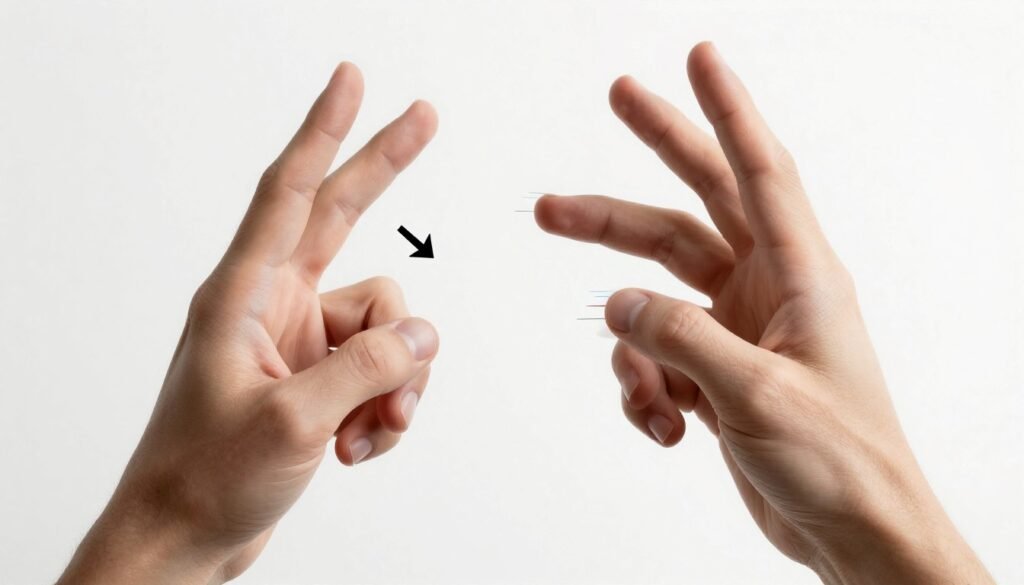
Visual errors still matter, but they are clues, not a checklist that produces a verdict. Modern systems may render hands and faces correctly, while an ordinary camera can create blur, rolling-shutter distortion and compression artifacts that look artificial.
Image clues worth checking
- Text, logos or signs that change shape or spelling
- Reflections and shadows that disagree with the main scene
- Repeated background objects or textures
- Jewelry, glasses or clothing edges that merge into skin
- Fine details that become inconsistent when viewed at full resolution
Video clues worth checking
- Lip movement that drifts from speech
- Face, hair or clothing details that change between frames
- Reflections or background people that move inconsistently
- Voice cadence, room echo or breaths that change unnaturally
- Sudden quality changes around cuts or face boundaries
Metadata can support the investigation, but blank EXIF data is common after social networks, editors and messaging apps process a file. A missing camera model is not proof of AI generation.
5. Use AI Detectors as a Secondary Signal
An AI detector can help prioritize a suspicious file, but its score should never be the only evidence. Results can change after cropping, compression, screenshots or edits. A detector may also be trained on some generators and perform poorly on others.
If you use a detector:
- Read which media types and generators it claims to support.
- Use the highest-quality original file available.
- Compare the result with source history and provenance.
- Describe the result as a probability or flag, not a factual verdict.
When the Claim Is High Stakes
Escalate the verification when the media could affect an election, conflict, criminal allegation, financial decision, public emergency or a person’s reputation.
- Look for the original statement from the named organization.
- Check multiple independent news or fact-checking sources.
- Ask a qualified digital-forensics specialist to examine the original file when consequences are serious.
- Do not identify a person or accuse a creator based only on a detector score.
Deepfakes are one part of a wider information-security problem. Article Thirteen’s overview of cyber warfare and digital influence risks explains the broader threat context.
What Not to Rely On
- “The hands look normal.” Generators improve, and one correct detail proves nothing.
- “There is no metadata.” Platforms often strip it.
- “A detector says 92% AI.” Treat the score as one signal.
- “A verified account posted it.” Accounts can repeat false claims or be compromised.
- “It looks too perfect.” Professional photography and heavy editing can also look unusual.
Final Checklist
Before you trust or share a suspicious image or video, confirm that you have checked its source, searched for earlier versions, reviewed available provenance, inspected the scene and file, and found independent support for the claim. If those layers disagree, the correct conclusion is not “real” or “fake.” It is “not verified.”